Day 1 vs. today
Drag the line to compare. From day 2, it’s you: day one against your latest photo.
Try it: drag the line
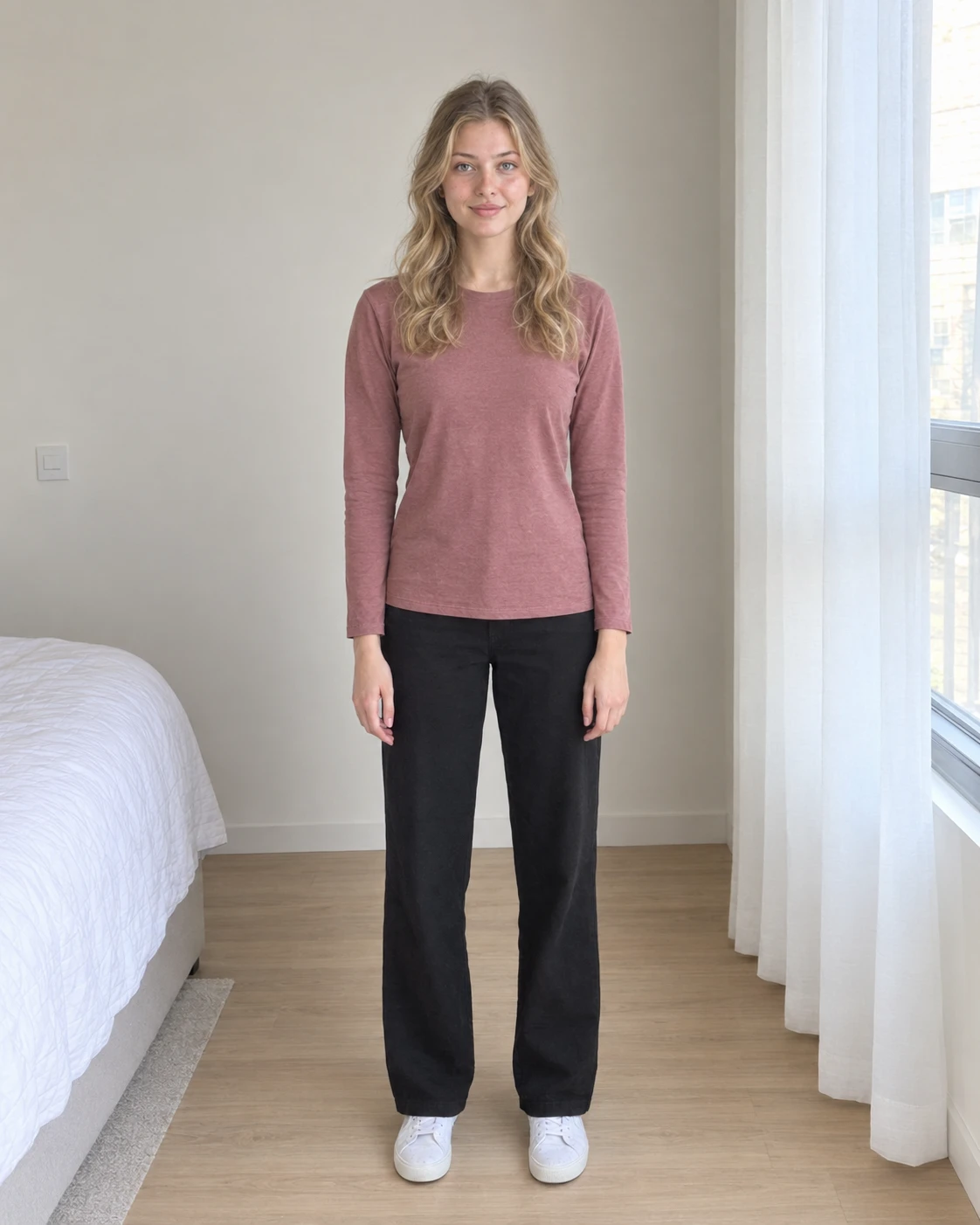

One photo a day: front, side and back. Glow Up Diary lines them up, compares Day 1 with today, and cuts your ninety days into a film of how far you came.
Good morning, Alex
Day 34of 90
56 days to go
Your change
How it works
Glow Up Diary turns the progress photos you’d never look at again into a journey you can actually see.
Skin & glow, weight, strength & muscle, or overall wellbeing. It tailors the wording; every feature works the same.
Front, side and back, in the same spot and the same light. Add your weight, a mood and a note. One minute a day.
Every day lands on your timeline. Milestones unlock along the way, and Day 1 is always one swipe from today.
Your 90 days
This is what the next three months look like inside Glow Up Diary.
Day 1 of 90
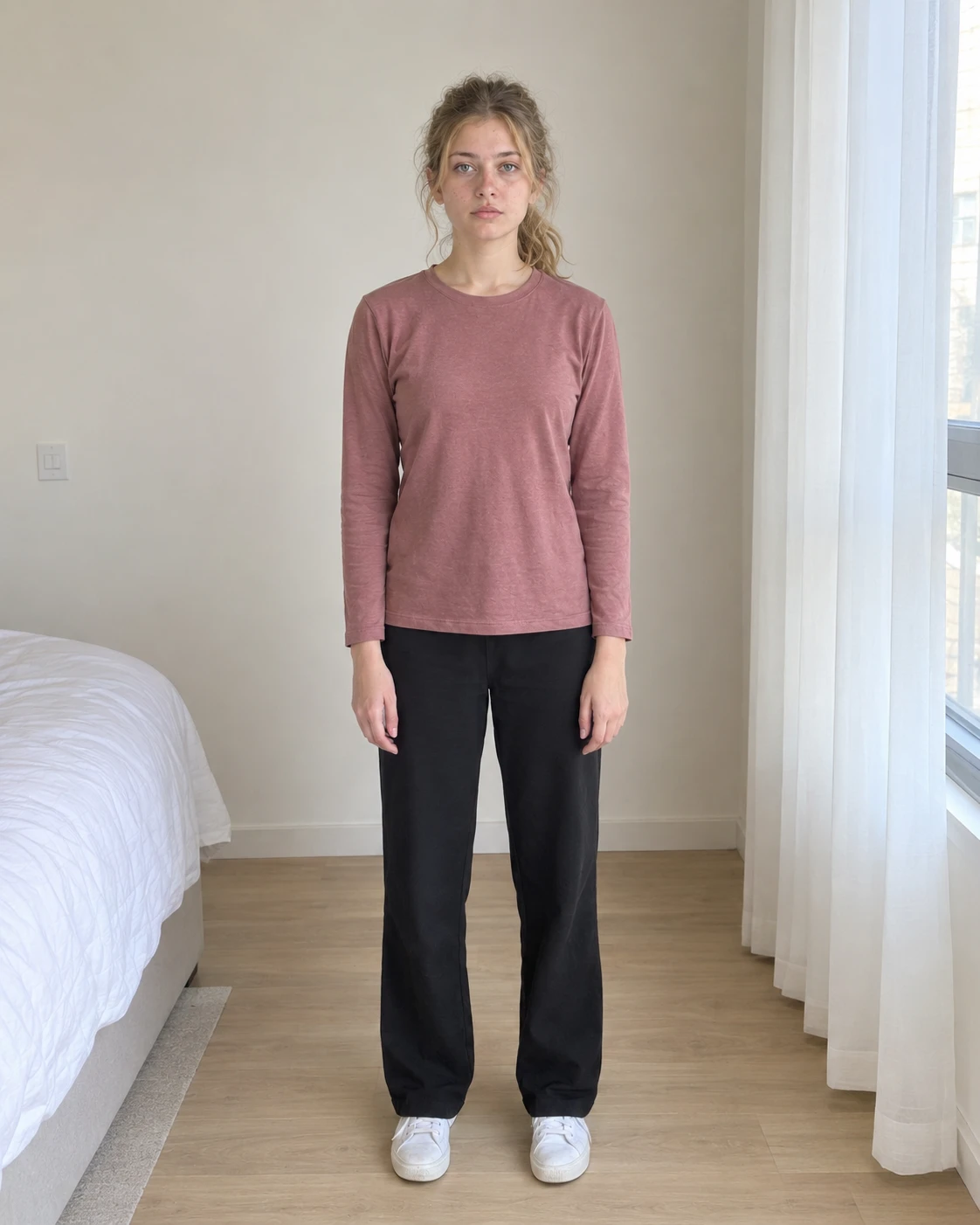
Same spot by the window, morning light.
Day 7 of 90
Milestone unlocked
Day 30 of 90
Your month
Mood
Day 90 The finish
Day 1
Front, side and back, in the same spot and the same light. Add your weight and mood if you like. It takes about a minute.
Day 7
One week in, your photos are cut into a film of your own days, and it grows with every photo you take.
Day 30
A month of mornings. Milestones at one week, two weeks and one month mean there’s always a next one to reach.
Day 90
Drag the line to put Day 1 next to today. Then watch all ninety days back as one film.
Your film
Every day you capture becomes part of it. Once you have a week of photos, the film is cut from your own days, from the first morning to today.
With Pro, your film has no watermark. It’s yours to share.
Everything in the diary
Drag the line to compare. From day 2, it’s you: day one against your latest photo.
Try it: drag the line
One week, two weeks, one month, all the way to day 90.
One quiet reminder each evening, if you want it.
Kilograms or pounds, a mood and a note with every photo.
Glow is warm and light. Discipline is dark and focused.
Front, side and back, lined up day after day.
Cinematic, Clean or Bold. Unlocks at day 7.
Set today as day 1 again. Your photos are kept.
For every kind of glow up
Skin, weight, strength or simply feeling better. If it changes slowly, a daily photo is how you see it.
Clearer, brighter, healthier skin.
Read the guidesLosing, gaining or maintaining.
Read the guidesTraining and body composition.
Read the guidesSleep, energy, mood and habits.
Read the guides
Progress photos are personal. Glow Up Diary is built so they stay that way.
Pricing
Begin your ninety days today. Go Pro when you want the whole challenge and a film that’s yours.
Free
$0 to start
Try the diary, the comparison and your film, with ads and a small watermark.
Glow Up Pro
Pro
$24.99 a year
Or $4.99 a month. Every day of the challenge, no ads, and a film without a watermark.
For iPhone and iPad. US prices shown; the App Store shows the price in your currency.
Guides
Sourced, step-by-step guides on progress photos, skin and body transformation.
Daily, weekly or monthly? How often to take progress photos for fat loss, muscle, skin and a 90-day glow up, and when to compare them so you actually see change.
We compared the best progress photo apps for iPhone (Glow Up Diary, GainFrame, MacroFactor, Dayloop and BodyShapr) on comparisons, video, price and privacy.
What a realistic body transformation looks like for women at 30, 90 and 180 days, the training, food and sleep that drive it, and how to see the change.
A practical glow-up checklist with daily, weekly and monthly habits for skin, body, sleep and style. Tick it off on screen or print it for free.
What a glow up really is, why 90 days works, and a phase-by-phase plan for skin, body, sleep and style, plus the habits that make the change last.
Three ways to turn your progress photos into a before-and-after glow-up video on iPhone, plus the shooting and editing tips that make a transformation pop.
FAQ
Something else? Get in touch.
Yes. You can start free and decide later. Glow Up Pro adds every day of the ninety-day challenge, removes ads and gives you a film without a watermark. In the US it’s $4.99 a month or $24.99 a year, and the App Store shows the price in your currency.
No. There’s no sign-up. The app asks for a first name to greet you on the home screen, and it never leaves your iPhone.
On your iPhone. Choose “Keep it private” and your photos never leave it. Sharing milestone photos with us is optional, and it changes nothing about how the app works for you.
About a minute: your front, side and back photos, plus your weight, a mood and a note if you want them.
Your film unlocks. Once you have a week of photos, Glow Up Diary cuts a film from your own days, and it keeps growing with every photo until day 90.
Both. Whether you’re working on your skin, your weight, your strength or your overall wellbeing, the diary works the same way.
Yes. “Restart the ninety days” sets today as day 1, and the photos you’ve already taken are kept.
Day one
Ninety days from now, you’ll be glad you took the first photo.
Free on the App Store Start your 90 days