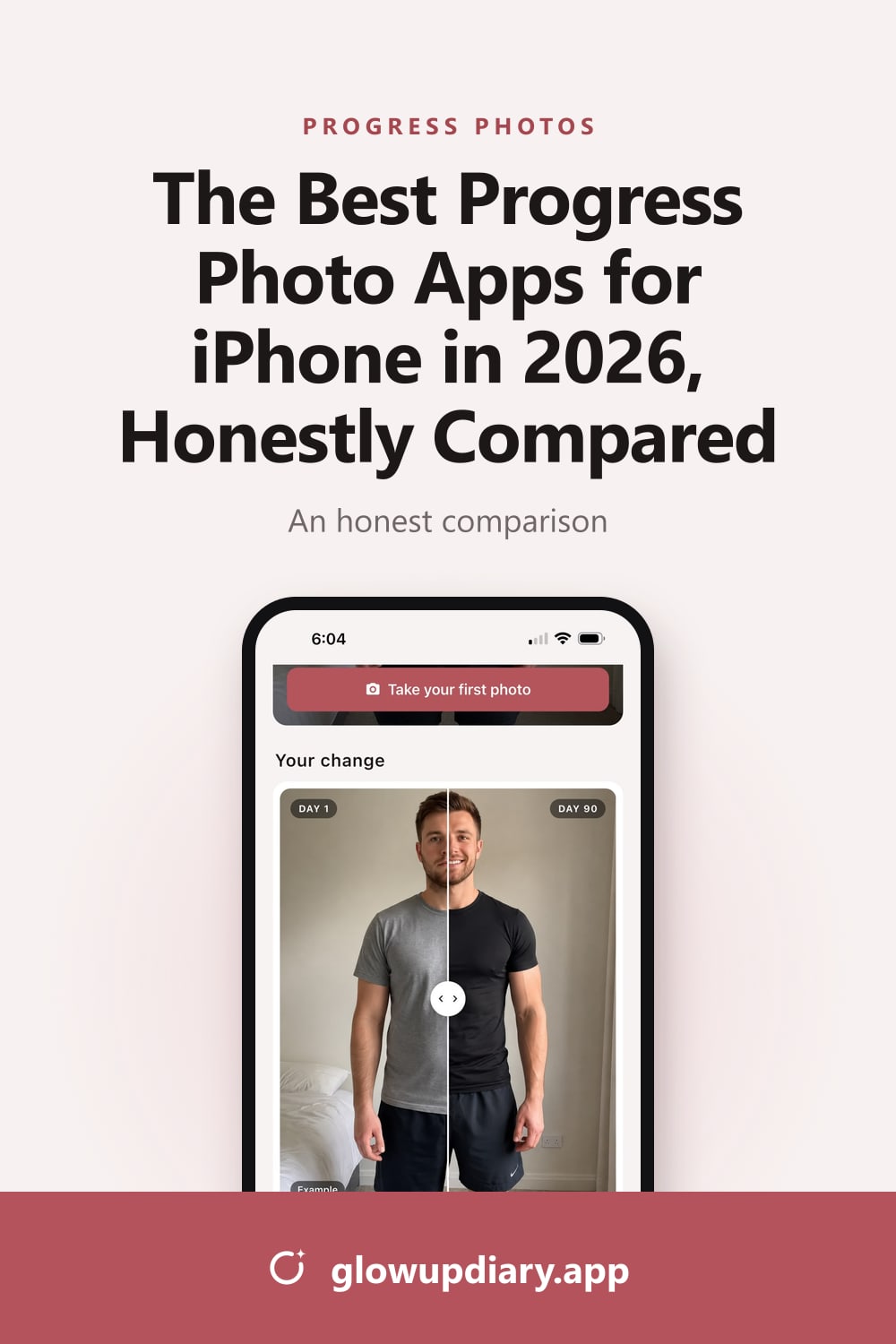
The Best Progress Photo Apps for iPhone in 2026, Honestly Compared
We compared the best progress photo apps for iPhone (Glow Up Diary, GainFrame, MacroFactor, Dayloop and BodyShapr) on comparisons, video, price and privacy.
On this page
- Quick comparison
- 1. Glow Up Diary: best for a 90-day glow up
- 2. GainFrame: best for AI physique tracking
- 3. MacroFactor: best if you already log your food
- 4. Dayloop: best for daily selfie time-lapses
- 5. BodyShapr: the cheapest one-time purchase
- The free option: Photos and iMovie
- How to choose
- Whichever you choose, take the photos the same way
- FAQ
- Sources
The best progress photo app is the one that gets you to take the photo every day and shows you the change clearly. Every app on this list can take a picture. They differ in how they help you line photos up, compare them, turn them into a video, and what they do with your data.
Quick comparison
| App | Best for | Price (US) | Comparing photos | Video | Privacy notes |
|---|---|---|---|---|---|
| Glow Up Diary | A 90-day glow up | Free; Pro $4.99/month or $24.99/year | Day 1 vs. today slider, milestones | Automatic film from day 7 | No account; with “Keep it private”, photos never leave your iPhone |
| GainFrame | AI physique tracking | Free; Pro from $39.99/year | Side by side, before-and-after cards | Not listed | Privacy label lists data used to track you |
| MacroFactor | Nutrition plus photos | $11.99/month or $71.99/year, 7-day trial | Gallery, before-and-after images | Not listed | Photos sit inside a full nutrition app |
| Dayloop | Daily selfie time-lapses | Free; paid plans, e.g. $29.99/year | Overlay, auto-alignment, time slider | Time-lapse export | Says photos stay on device; privacy label lists tracking |
| BodyShapr | A one-time purchase | $2.99 once | Slider, GIF, collage, up to 20 photos | Lapse | Last updated in 2021 |
| Photos + iMovie | Spending nothing | Free | Manual, side by side | Magic Movie | Mixed in with your camera roll |
“Not listed” means we couldn’t find the feature in the app’s App Store listing or website.
1. Glow Up Diary: best for a 90-day glow up
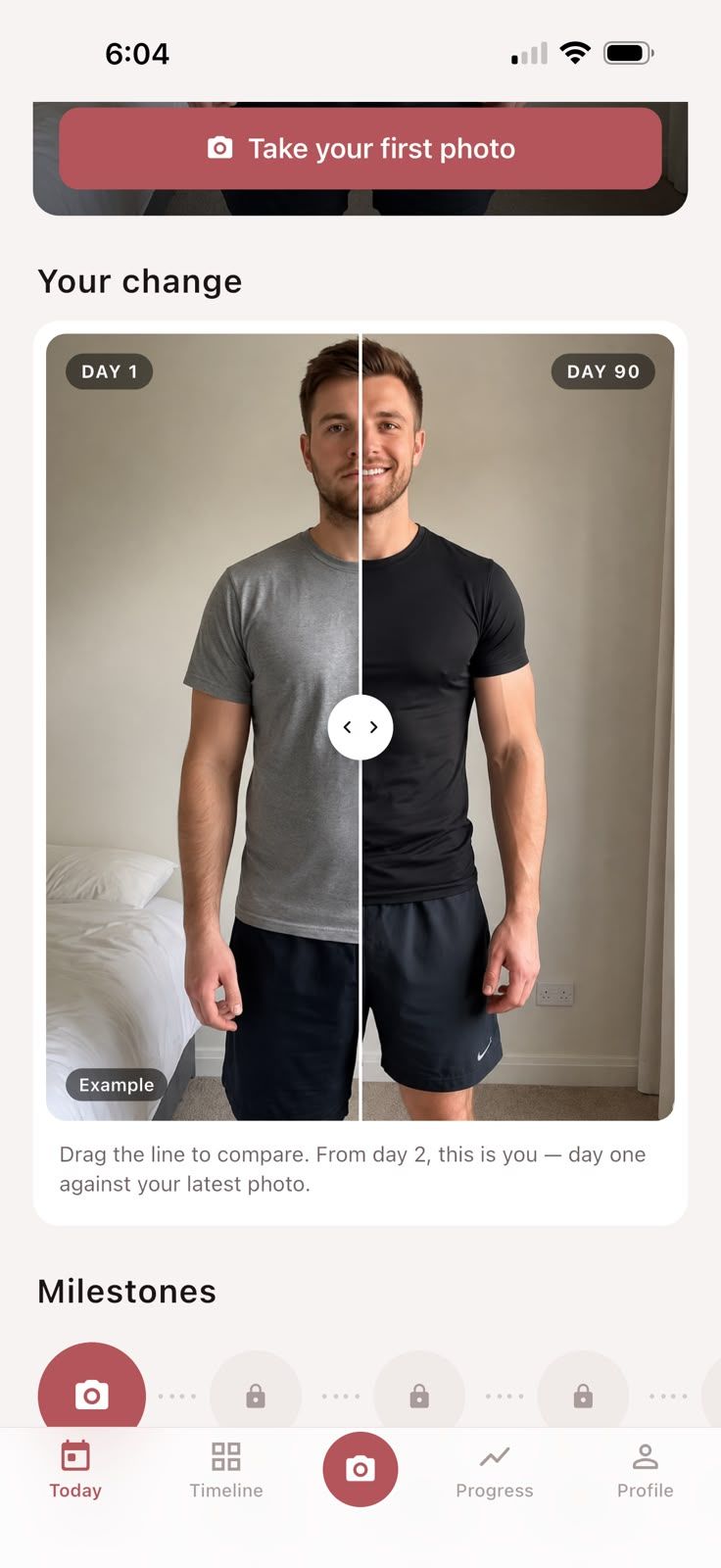
Glow Up Diary is a 90-day photo diary. You take front, side and back photos each day, about a minute’s work, and from day 2 you can drag a line to compare Day 1 with your latest photo. Milestones mark one week, two weeks, one month and beyond, and from day 7 your photos are cut into a film in one of three styles: Cinematic, Clean or Bold. You can log your weight and mood with each photo, and turn on one quiet reminder each evening.
What we like: it’s built around a single, clear challenge, the comparison is instant, and the film does the editing for you. There’s no account, and if you choose “Keep it private”, your photos never leave your iPhone.
What to know: the free version shows ads, puts a watermark on your film and limits your photo history. Pro removes all three. It’s a photo diary, so it doesn’t estimate body fat or track measurements beyond weight, and it’s only on the App Store.
2. GainFrame: best for AI physique tracking
GainFrame is aimed at people who train. According to its App Store listing, it estimates body fat from your photos, scores 12 muscle groups, tracks BMI and FFMI trends, and projects how your physique might look in the future. You can compare two check-ins side by side with the changes in body fat, weight and physique score, and make shareable before-and-after cards. It connects to Apple Health, Hevy and Strava.
What to know: AI estimates from photos are approximations, which the developer says too. Pro is a subscription. Its App Store privacy label lists purchases, identifiers and usage data as data used to track you.
Best for: lifters who want numbers alongside their photos.
3. MacroFactor: best if you already log your food
MacroFactor is a nutrition and macro-tracking app with progress photos built in. You can track up to three photo views (front, side and back) alongside 21 body measurements, browse them in a gallery, and create before-and-after images from any view to share.
What to know: it’s a subscription with no free tier: $11.99 a month or $71.99 a year in the US, after a 7-day trial. The photos are one feature of a much bigger app, so it’s overkill if all you want is progress pictures.
Best for: people who track their food and want everything in one place.
4. Dayloop: best for daily selfie time-lapses
Dayloop is built around one photo a day. It shows a faded version of your last photo while you shoot, aligns face or full-body photos automatically, lets you scrub through your days with a “time travel” slider, and exports the sequence as a video. It also has daily reminders.
What to know: it needs iOS 26 or later. Its description says your photos stay on your device, but its App Store privacy label lists identifiers and usage data as used to track you. It’s free to download, with paid plans.
Best for: daily face or skin selfies, where alignment matters most.
5. BodyShapr: the cheapest one-time purchase
BodyShapr costs $2.99 once, with no subscription. It compares up to 20 photos as a slider, GIF, collage or time-lapse, and includes a tool that superimposes photos to help line them up, plus weight tracking.
What to know: its App Store version history shows the last update in March 2021, so it may not be actively maintained.
Best for: a quick before-and-after on a budget.
The free option: Photos and iMovie
You don’t need an app at all. Keep your progress photos in a hidden album in the Photos app, compare them side by side yourself, and turn the album into a video with iMovie’s Magic Movie, which adds everything in date order (Apple Support). It’s free, but it’s manual, and your progress photos live alongside everything else in your library. Our guide shows how to make a before-and-after glow-up video on iPhone this way.
How to choose
- You want a guided glow up and a film at the end: Glow Up Diary.
- You lift and want AI numbers: GainFrame.
- You log your food every day: MacroFactor.
- You take daily selfies of your face or skin: Dayloop.
- You want to spend nothing: Photos and iMovie.
Whichever you choose, take the photos the same way
The app matters less than how you take the photos. Same spot, same light, same distance, same pose: get that right and any of these apps will show you real change. Here’s our step-by-step guide to taking progress photos that actually show change.
Frequently asked questions
What is the best app for progress photos?
It depends on your goal. Glow Up Diary is built for a 90-day glow up with daily front, side and back photos, a Day 1 comparison and an automatic film. GainFrame suits gym-goers who want AI estimates, MacroFactor suits people who track nutrition, and Dayloop suits daily selfie time-lapses.
Is there a free progress photo app?
Several are free to start, including Glow Up Diary, GainFrame and Dayloop, with paid upgrades. For a completely free option, keep your photos in a hidden album in the Photos app and make a video with iMovie.
Are progress photo apps private?
It varies. Check each app's privacy label on the App Store and whether it needs an account or uploads your photos. Glow Up Diary needs no account, and if you choose “Keep it private”, your photos never leave your iPhone.
Can I just use my camera roll for progress photos?
You can, but it's harder. Progress photos get mixed in with everything else, can show up in shared albums or memories, and you have to line them up yourself to compare. A dedicated app keeps them separate and does the comparing for you.
Sources
- GlowUpDiary. App Store listing
- GainFrame: Gym Progress Photos. App Store listing
- MacroFactor expands its progress tracking feature set with photos and body metrics. MacroFactor
- MacroFactor - Macro Tracker. App Store listing
- Dayloop: Progress Photo Diary. App Store listing
- BodyShapr: Body Progress Photo. App Store listing
- Create a Magic Movie project in iMovie on iPhone. Apple Support