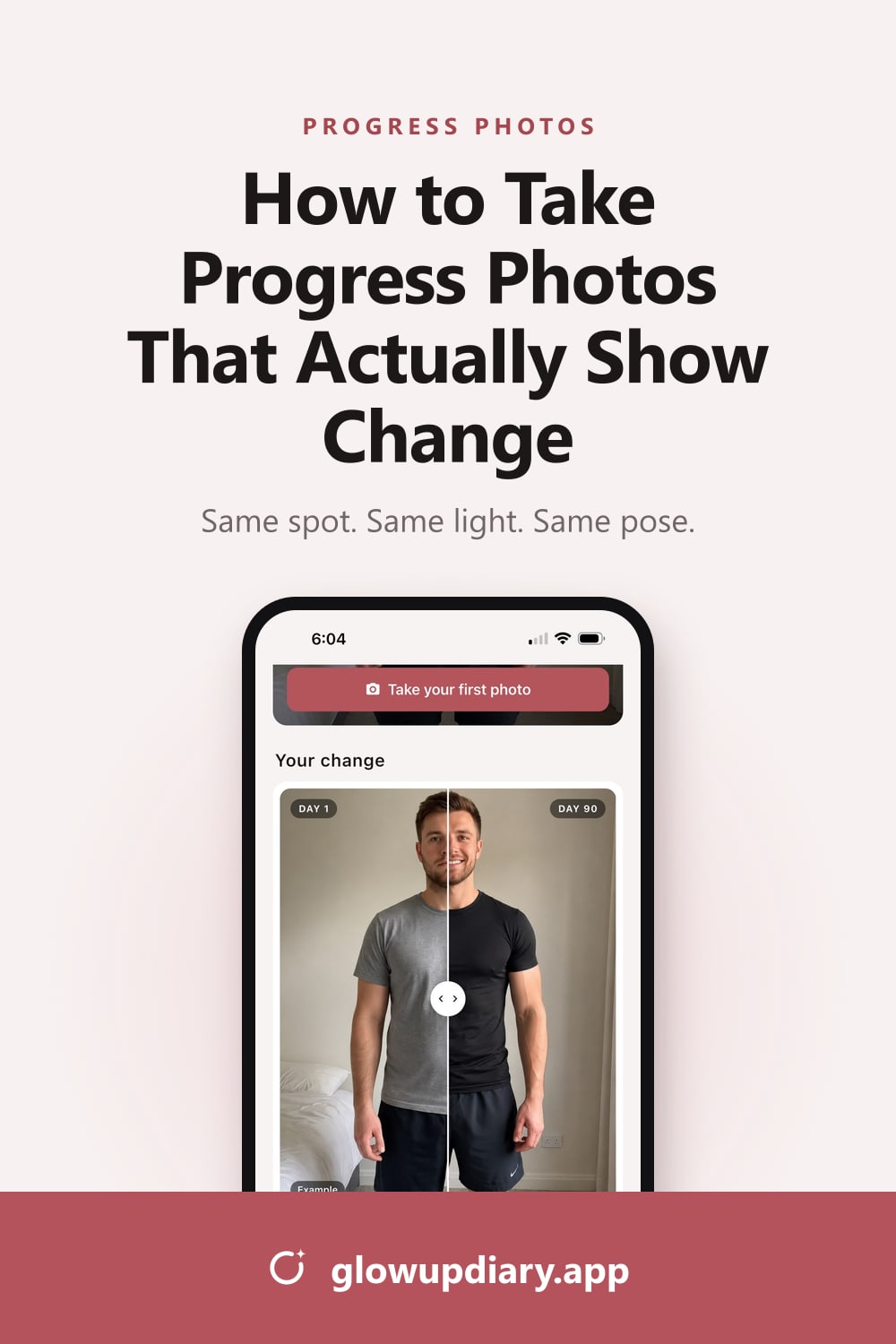
How to Take Progress Photos That Actually Show Change
Same spot, same light, same pose. How to take front, side and back progress photos you can actually compare, for weight loss, muscle gain or skin.
On this page
- Why progress photos beat the mirror (and the scale)
- What you need
- How to take progress photos, step by step
- How to take skin progress photos
- How often should you take progress photos?
- Common progress photo mistakes (and the fix)
- How to compare your progress photos
- Keep your progress photos private
- FAQ
- Sources
You see yourself in the mirror every day, so you rarely notice yourself changing. That’s exactly why progress photos work, and why badly taken ones don’t. If the light, the angle or your outfit changes between two pictures, you end up comparing the photos, not your body.
This guide shows you how to take progress photos that actually show change: the setup, the three poses, the best time of day, how often to shoot, and the small mistakes that quietly ruin a comparison. It works the same whether you’re losing weight, building muscle or clearing up your skin. (Planning a whole glow up? Start with how to glow up in 90 days.)
Why progress photos beat the mirror (and the scale)
The mirror is a bad witness for slow change. You see the small differences every day, so none of them ever looks like progress. A photo from four weeks ago doesn’t change with you. It shows exactly where you started.
The scale isn’t much better day to day. According to Cleveland Clinic, body weight normally moves within a window of about 5 to 6 pounds over a single day, mostly because of water. Salt, hormones and what you ate last night can hide a week of real progress. And if you’re losing fat while building muscle, the number can sit still while your shape changes.
Skin is the same. Breakouts, texture and dark spots fade over weeks, and memory is a poor judge of “better than last month”.
There’s one more reason to keep a record. A systematic review in the Journal of the American Dietetic Association found a consistent link between self-monitoring and weight loss, though the authors note the quality of the evidence was weak. Progress photos are self-monitoring you can see.
What you need
- Your phone. Use the rear camera. It’s better than the selfie camera.
- Something to hold it. A small tripod, a shelf or a stack of books.
- A plain wall. Nothing behind you but wall.
- Window light. Daylight is softer and more even than ceiling lights.
- A strip of tape for the floor.
- One outfit that you’ll wear for every photo.
How to take progress photos, step by step
1. Pick one spot and mark it
Choose a plain wall near a window and put a strip of tape on the floor where your toes go. Mark where the phone stands too. Clinics that take before-and-after photos standardize exactly this because, as one review of clinical photography explains, small changes in position can dramatically change how features look (Nair and Santhanam, 2016).
- Plain wall behind you, nothing else in frame.
- Window light from the side or in front. Never behind you.
- Tape mark where your toes go, so you stand in the same place.
- About 2 m (6–7 ft) between you and the phone, enough for head to feet.
- Phone on a stand at chest-to-waist height, rear camera, 1× lens.
2. Use the same light
Stand facing a window, or with the window at your side. Never put it behind you, which turns you into a silhouette. Switch off ceiling lights: light from above throws shadows that exaggerate or hide definition, and mixing daylight with warm bulbs changes your skin tone from photo to photo. Don’t use the flash.
Shoot at the same time of day so the light is similar, and accept that cloudy days look a little different. Consistency matters more than perfect light.
3. Fix the camera height, distance and lens
- Height: chest-to-waist height, with the phone straight, not tilted up or down.
- Distance: about 2 m (6–7 ft) for a full-body shot, so you fit from head to feet with a little space around you.
- Lens: the standard 1× lens. The 0.5× ultra-wide stretches whatever is closest to it, which makes proportions look different from one photo to the next.
- Orientation: portrait (vertical), with no zoom.
Turn on your camera’s grid lines to keep the phone level. On an iPhone it’s in Settings › Camera › Grid.
4. Wear the same thing
Wear something fitted that shows your outline: a sports bra and shorts, swimwear or fitted underwear. Wear the same pieces every time and pull the waistband to the same height, because a waistband that sits higher or lower changes how your waist looks more than a month of progress does. Tie long hair up so your shoulders and neck are visible.
5. Hold the same three poses
Front
Feet hip-width apart, arms a little away from your sides, eyes on the lens.
Side
Turn 90°, always to the same side. Arms relaxed, posture natural.
Back
Turn around and repeat the front stance. Hair up so your shoulders show.
- Front: feet hip-width apart, arms slightly away from your body, looking straight at the lens.
- Side: turn 90° to the same side every time (say, your left), arms relaxed by your sides.
- Back: turn around and repeat the front stance.
Stand the way you normally stand. Don’t suck in, don’t flex, and breathe out normally before the shutter goes. If you want flexed photos too, take them as a separate set and only compare flexed with flexed.
6. Shoot at the same time, in the same state
First thing in the morning works best: after the bathroom, before breakfast, before a big drink of water and before you train. Food, salt, alcohol and a workout pump all change how you look for a few hours. Cleveland Clinic names water retention as the most common cause of short-term weight swings, which is also why a photo after a salty dinner can look like a bad week.
If you have periods, expect some cycle-related bloating. Compare photos from the same point in your cycle, or look at the trend over several weeks instead of any single day.
7. Use the timer, not the mirror
Set a 3 to 10 second self-timer, or use a Bluetooth remote or your watch as a shutter. Mirror selfies are hard to repeat: the phone covers part of your body, the angle changes every time, and mirrors add their own distortion. Take two or three shots and keep the most neutral one, not the most flattering.
8. Don’t edit, filter or “fix” anything
No filters, beauty modes, portrait effects or retouching, not even “just the lighting”. The point is to see real change, and edits are exactly the kind of change you don’t want.
How to take skin progress photos
Face and skin photos follow the same rules, just closer up:
- Clean, bare skin. No makeup, and take the photo before serums or moisturizer, since their shine changes how skin looks.
- Hair off your face. Use a headband or a clip.
- Soft, even light. Face a window. Overhead light exaggerates texture, and flash washes out redness.
- Eye level, same distance. Prop the phone at eye level, about 30–50 cm (12–20 in) away, and keep that distance every time.
- Three angles. Front, plus each side at about 45°. Clinical photographers use standardized frontal, oblique and side views for the same reason (Nair and Santhanam, 2016).
- Neutral face. No smiling or squinting. Both change the skin you’re trying to compare.
- Close-ups for one spot. If you’re tracking a single area, photograph it from the same marked distance with the same framing.
Pair your photos with a routine you can stick to: here’s our glow-up skincare routine, morning and night.
How often should you take progress photos?
Take them daily if you want the habit and a time-lapse of your whole journey, or weekly at a minimum. Daily photos take about a minute, and once you have a fixed spot and time they become automatic.
Whatever you shoot, compare in bigger steps. Day-to-day change is too small to see, and comparing yesterday with today mostly shows you noise. A rough guide:
| Goal | Shoot | Compare |
|---|---|---|
| Weight loss | Daily or weekly | Every 2–4 weeks, and Day 1 against today |
| Muscle gain | Weekly | Monthly |
| Skin | Daily or every few days | Every 2–4 weeks |
| A 90-day glow up | Daily | Day 1 against day 7, 14, 30, 60 and 90 |
Common progress photo mistakes (and the fix)
| Mistake | Why it ruins the comparison | Fix |
|---|---|---|
| Mirror selfies | The phone blocks you and the angle changes | Phone on a stand plus the self-timer |
| Different light each time | Shadows change how defined you look | Same window, same time of day |
| Switching between 0.5× and 1× | The ultra-wide lens distorts proportions | Always the 1× lens |
| Moving the phone | Height and distance change your proportions | Tape marks for your feet and the stand |
| Different clothes | A new outfit or waistband changes your outline | Same outfit, same waistband height |
| Flexing sometimes | You compare poses, not progress | Relaxed, the same way every time |
| Comparing yesterday with today | Real change is too small to see | Compare Day 1 with day 30, 60 and 90 |
| Filters and edits | It isn’t your real progress | No filters, no edits, ever |
How to compare your progress photos
- Line them up. Put two photos side by side at the same size, or use a slider that lets you drag a line across both. Line up the feet and the top of the head.
- Compare against Day 1. Your first photo is the reference. Check it at milestones: one week, two weeks, one month and beyond.
- Look at specific things. The line of your waist, your shoulders, your posture, how your clothes sit, the redness or texture of your skin. Vague impressions are easy to argue with.
- Add one number, but not daily weight. A weekly waist measurement or the trend of your weight is far more useful than any single morning on the scale.
- Watch the time-lapse. Seeing every day in a row shows the trend instead of the noise. Here’s how to make a before-and-after glow-up video on iPhone.
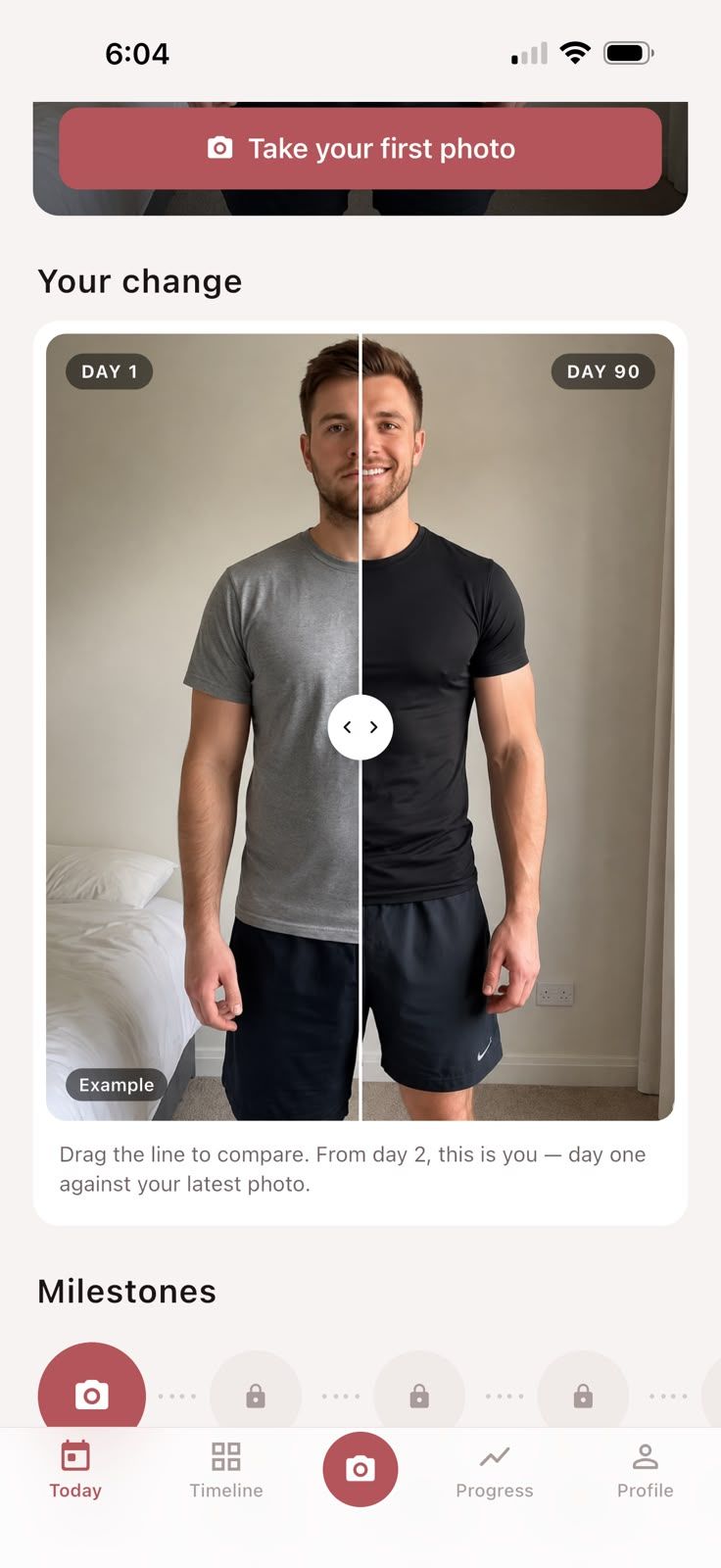
That’s the job Glow Up Diary was built for. You take your daily front, side and back photos, then drag the line to compare Day 1 with today. Once you have a week of photos, they’re cut into a film of your journey. Weighing up apps? Read our honest comparison of the best progress photo apps.
Keep your progress photos private
Progress photos are personal, so think about where they live. Photos in your main camera roll can end up in shared albums, “memories” slideshows or on a family member’s screen. Keep them in a dedicated app or a hidden album. Glow Up Diary needs no account, and if you choose “Keep it private” your photos never leave your iPhone.
Want more? Browse all our progress photo guides.
Frequently asked questions
What should I wear for progress photos?
Something fitted that shows your shape, such as a sports bra and shorts, swimwear or fitted underwear, and the same thing every time. Loose or different clothes change your outline more than a month of progress does.
What time of day should I take progress photos?
First thing in the morning, after the bathroom and before you eat, drink a lot or train. Your body is at its most consistent then, and shooting in the same spot at the same time gives you similar light each day.
How often should I take progress photos?
Daily if you want a habit and a time-lapse of your journey, otherwise at least once a week. Either way, compare in bigger steps (week to week, month to month, or Day 1 against day 30, 60 and 90), because daily change is too small to notice.
Can I take progress photos by myself?
Yes. Prop your phone on a small tripod, a shelf or a stack of books, use the self-timer or a remote shutter, and mark where the phone and your feet go so you can repeat the setup.
Should I use mirror selfies for progress photos?
Avoid them if you can. The phone covers part of your body, the angle changes every time, and mirrors add distortion. A phone on a stand with the self-timer is far more consistent.
Should I flex in progress photos?
Use relaxed photos as your main record, because relaxed poses are the easiest to repeat. If you want flexed shots too, take them as an extra set and only compare flexed with flexed.
Sources
- Self-monitoring in weight loss: a systematic review of the literature. Burke LE, Wang J, Sevick MA. Journal of the American Dietetic Association, 2011
- Weight fluctuations. Cleveland Clinic Health Essentials
- Clinical photography for periorbital and facial aesthetic practice. Nair AG, Santhanam A. Journal of Cutaneous and Aesthetic Surgery, 2016